Generate API Keys
Woo Manager connects to your store through the WooCommerce REST API. You’ll need to generate API keys so the app can securely access your orders.
Step-by-Step
- Log in to your WordPress admin dashboard.
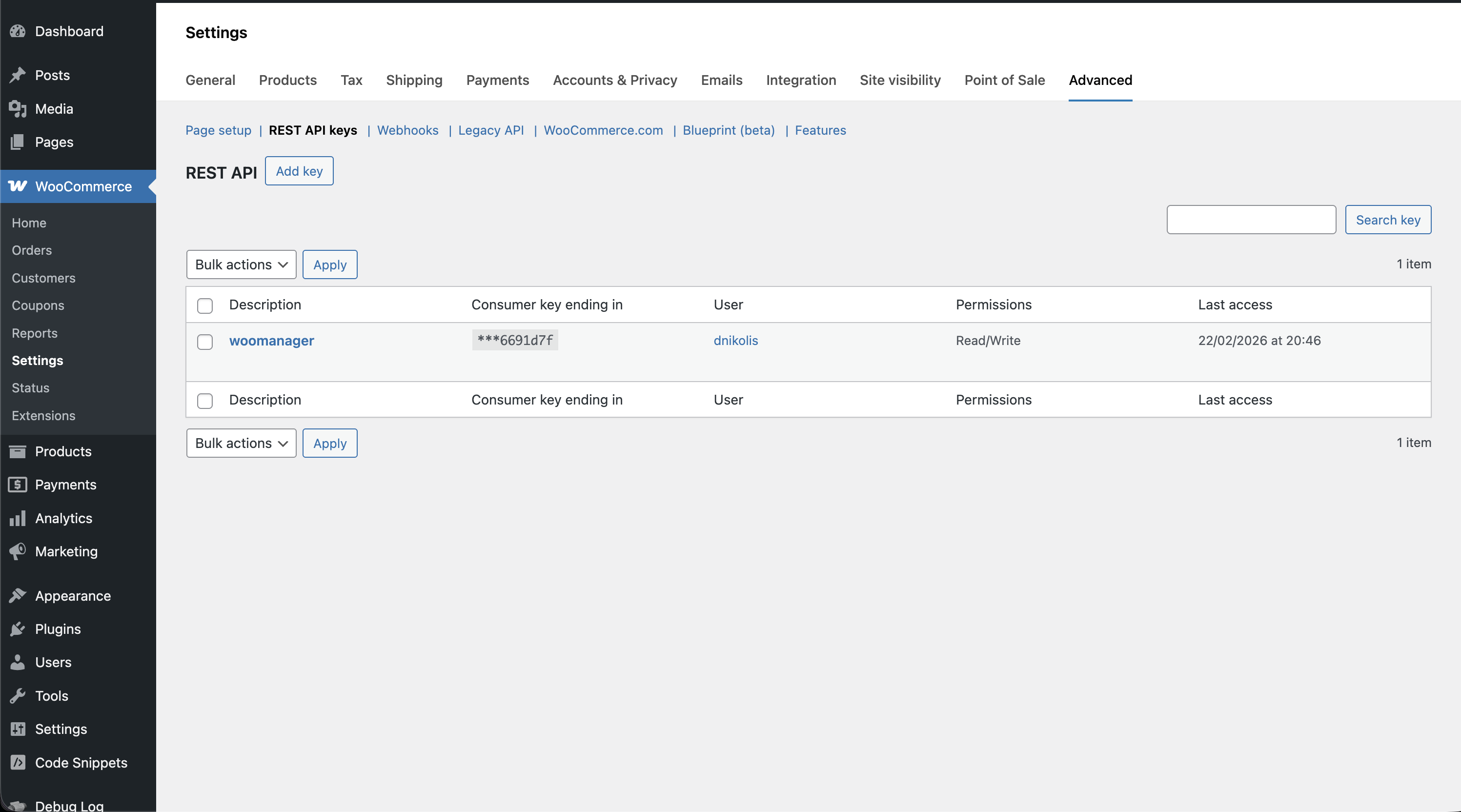
- Navigate to WooCommerce → Settings → Advanced → REST API.
- Click Add key.
- Fill in the following fields:
- Description — Enter something like “Woo Manager” so you can identify this key later.
- User — Select your admin account.
- Permissions — Set to Read/Write.
- Click Generate API key.
- You’ll see your Consumer Key and Consumer Secret on screen.
Copy both keys immediately! The Consumer Secret is only shown once. If you lose it, you’ll need to generate new keys.
You can paste the keys into a notes app temporarily, or go straight to the Woo Manager app and enter them there.
Next: Connect Your Store