WordPress Admin Access
Access your full WordPress admin panel directly from Woo Manager using the built-in browser. No need to switch apps or open a separate browser.
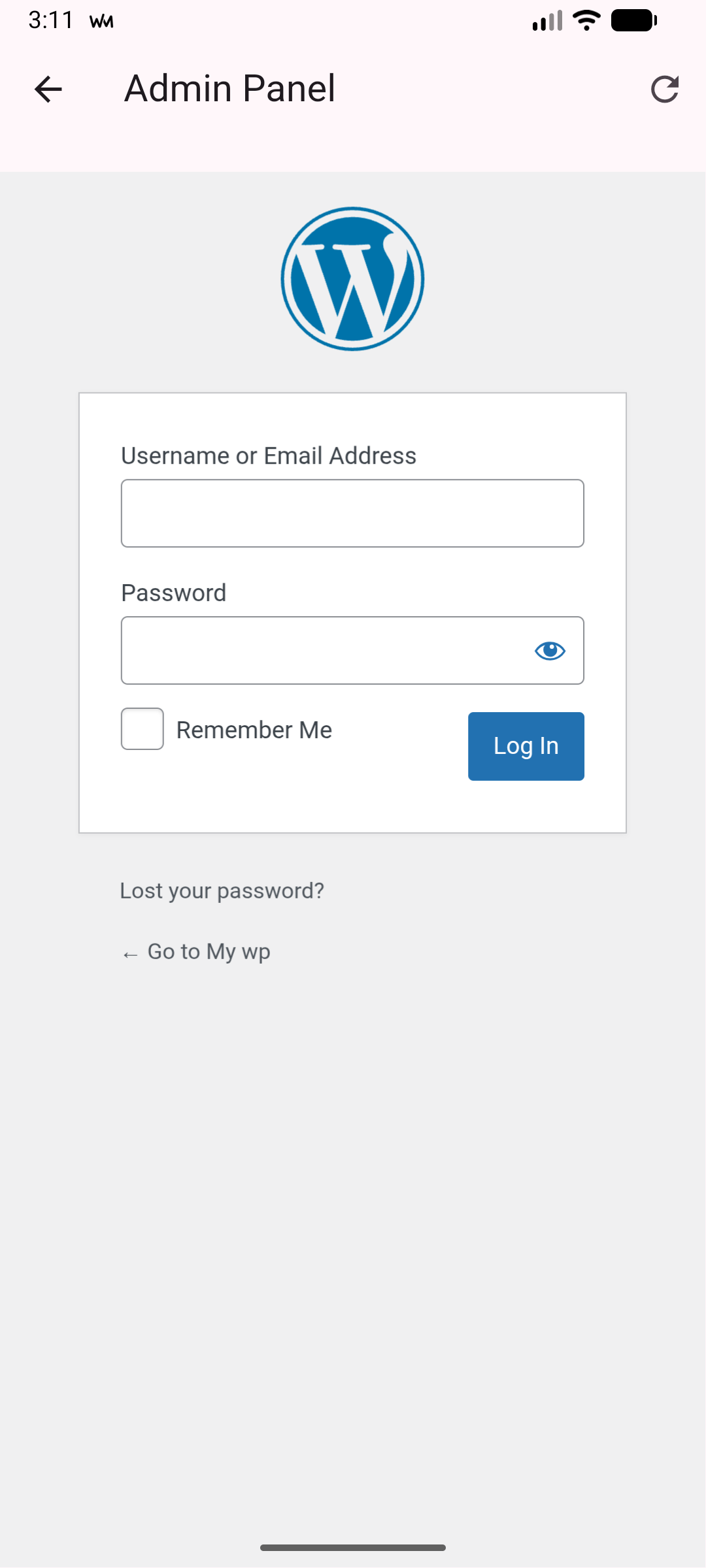
How to Access
There are two ways to open your WordPress admin:
- From the order list: Tap the menu icon at the top right and select Admin. This opens your WordPress dashboard.
- From order details: Tap the menu icon and select View in Store to jump directly to that specific order in your WordPress admin panel.
Custom Login Pages
The app automatically detects your login page, even if you use a custom login plugin like WPS Hide Login or Wordfence. You do not need to configure anything extra.
You stay logged in between sessions, so you do not need to enter your WordPress password every time.